
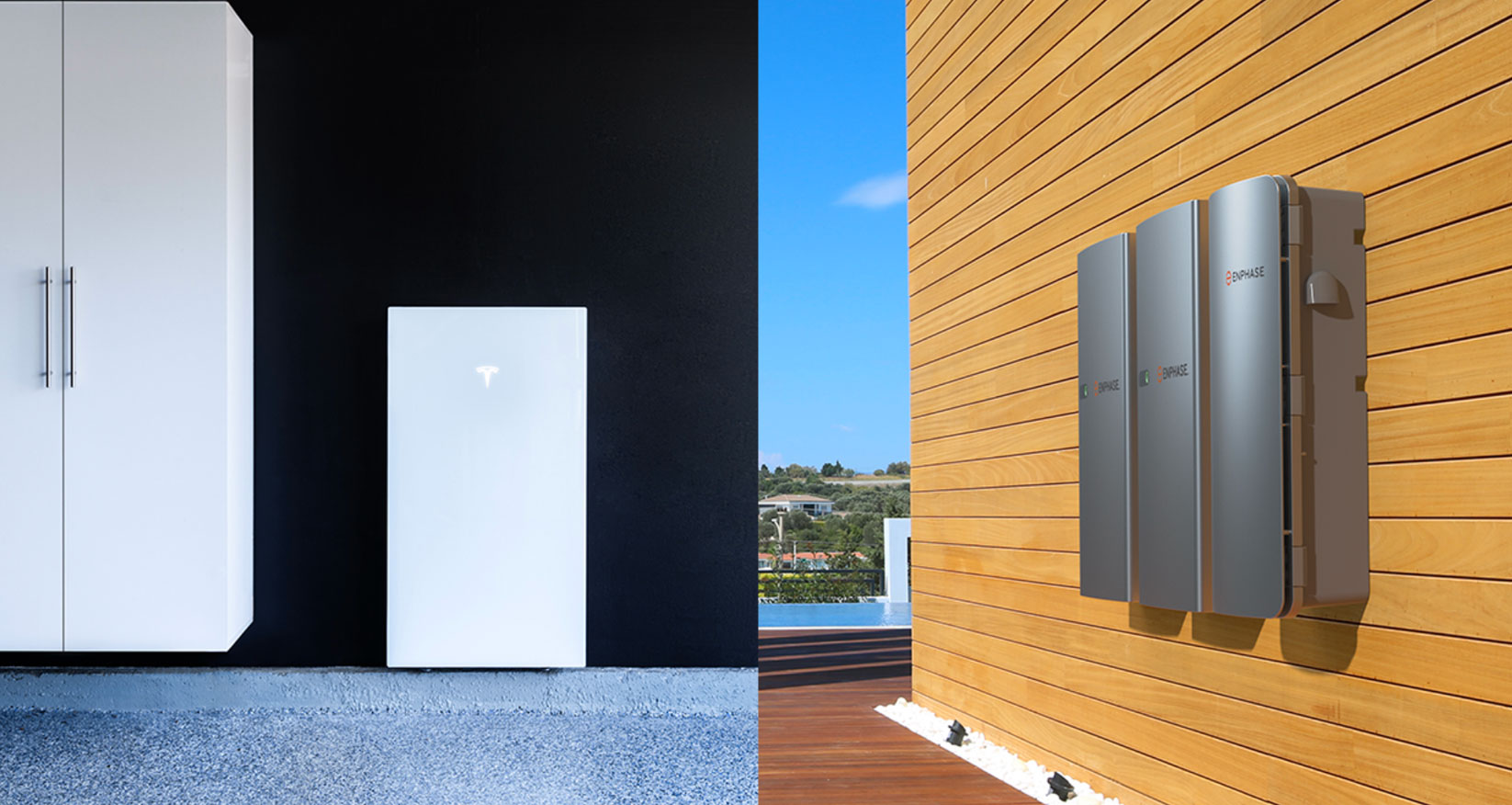
This guide helps homeowners compare battery cost, sizing, backup strategy, and installation fit before they commit to a Tesla Powerwall 3 project.
Most homeowners start comparing products and prices before they are clear on what the battery actually needs to do. This guide fixes that — so you arrive at your first quote call with a real project brief instead of a wishlist.
Sort out rough online numbers from real project pricing and learn what actually changes the quote.
Learn how backup goals, major loads, and solar pairing shape whether one battery is enough or a broader plan makes more sense.
Prepare for installation questions, electrical scope, and the next step toward a cleaner quote process.
The battery buyer's guide covers the five things homeowners consistently get wrong before their first installer meeting.
Enter your name and email and we'll send you the full battery buyer's guide. No spam — one email with the download link.
We'll send it to your inbox — usually within a few minutes.
Use these steps before your first installer call to arrive with a project brief instead of a question list.
Write down what has to stay on first, then separate comfort loads from true essentials before you compare battery counts.
A kitchen-and-connectivity backup plan is different from a broader comfort plan that also accounts for cooling, office loads, or garage equipment.
Use the same checklist for cost, power output, storage capacity, solar pairing, and future expansion so one product does not look better just because the pitch is cleaner.
Quotes become much more useful once the backup goal, the home loads, and the likely install scope have already been sorted out.
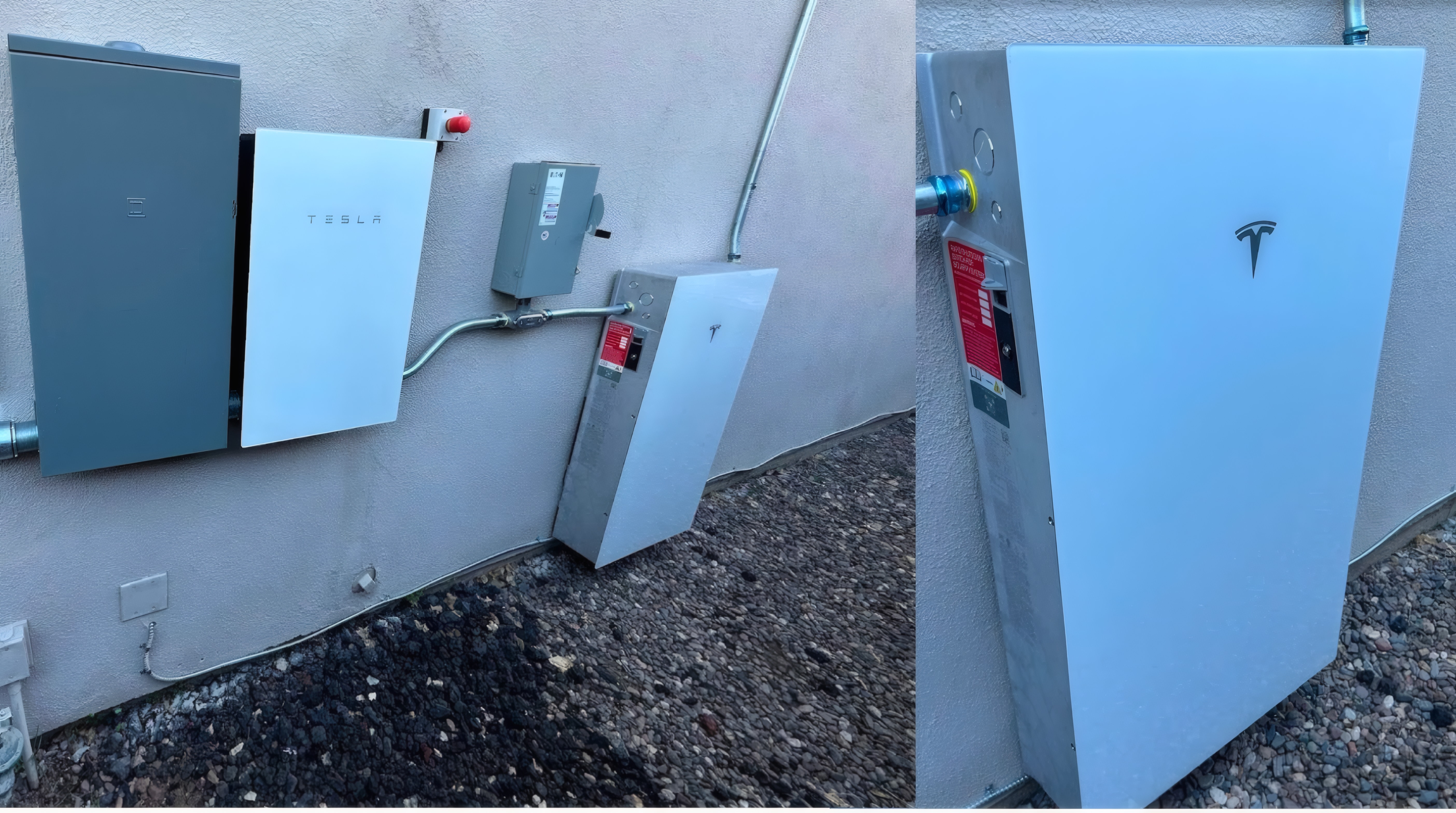
Use the guide to clarify your project, then request a quote so we can confirm battery fit, electrical scope, and installation timing.
Get a Free Quote